Video Generator
AI Music Video Generator for singer video creation
Turn a portrait and a song into a polished singer video. This AI music video generator supports uploaded audio, songs from your library, mobile-friendly video ratios, and a workflow designed for fast creation.
Create a singer video
Audio, artist, ratio, create.
Upload MP3, WAV, M4A, AAC, or OGG audio. Your current plan supports final clips from 5s to 30s.
Artist
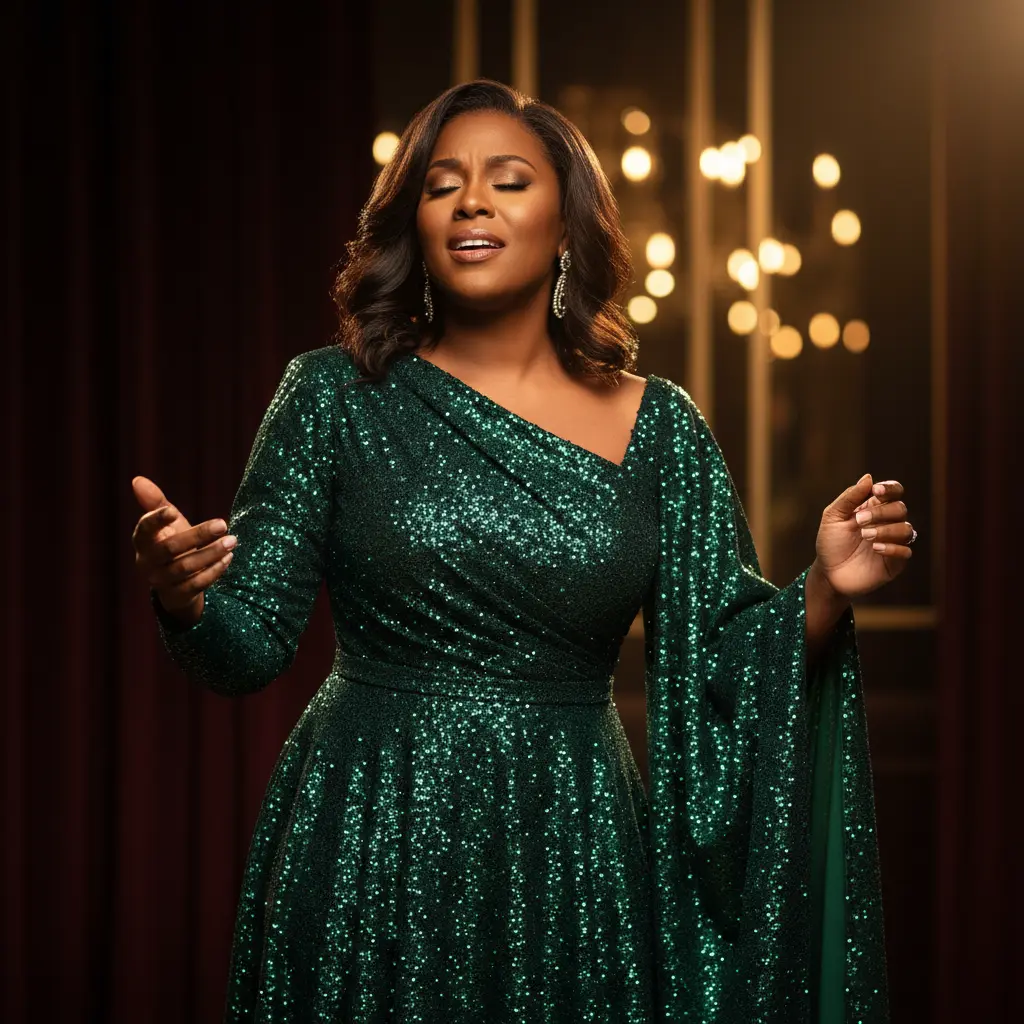
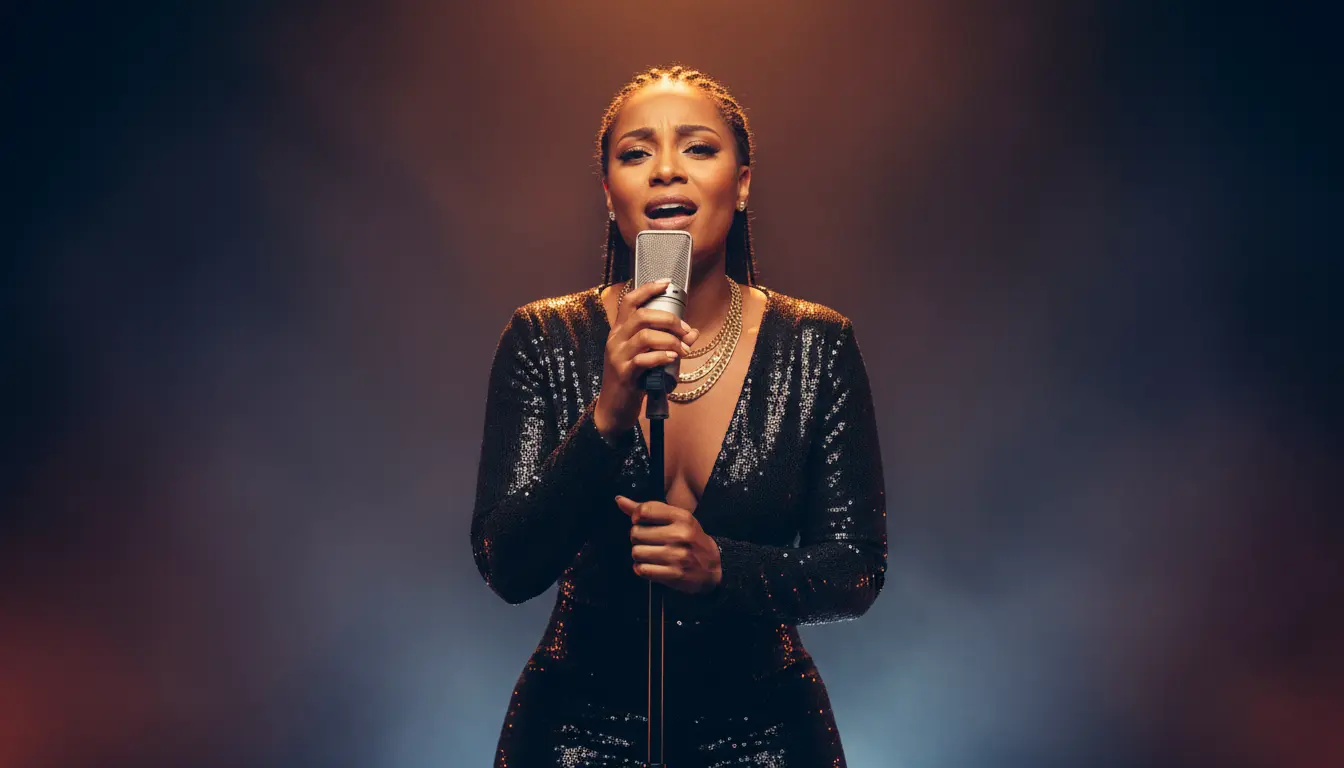
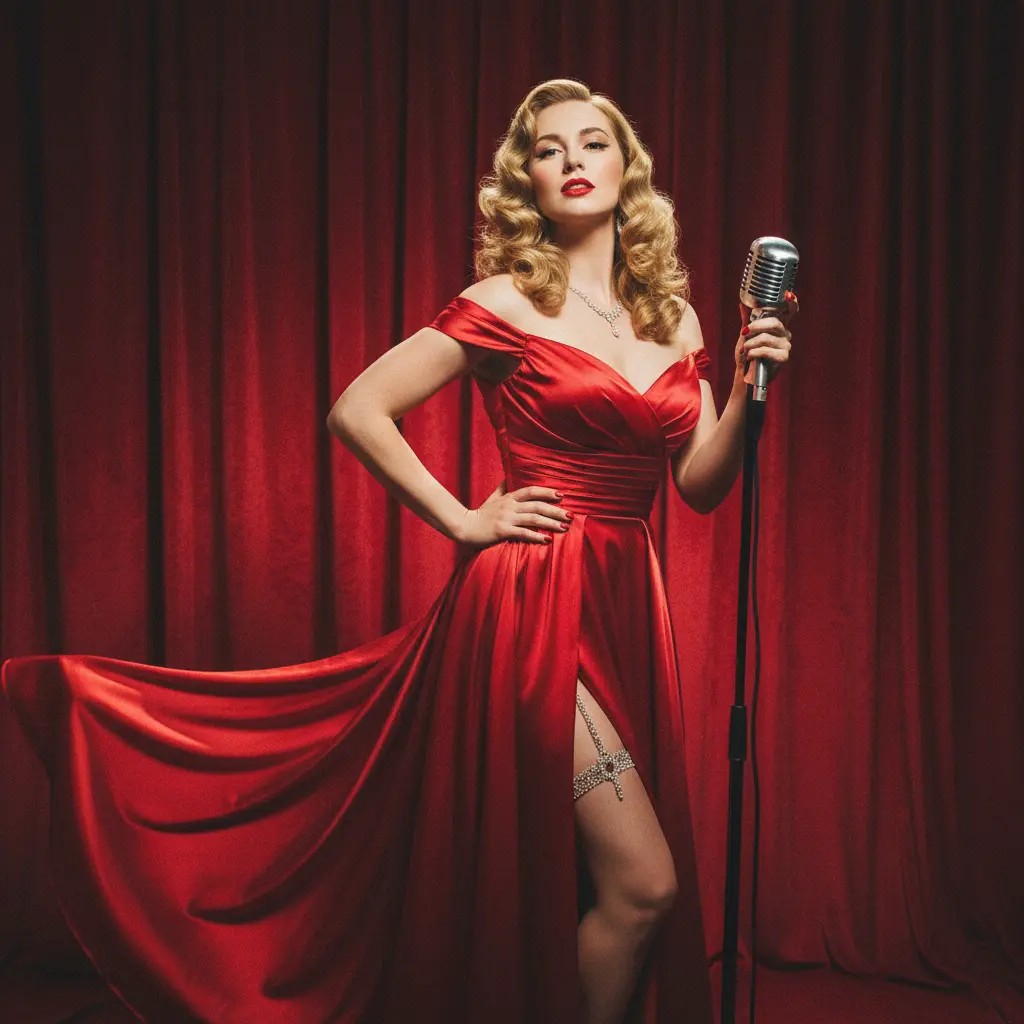
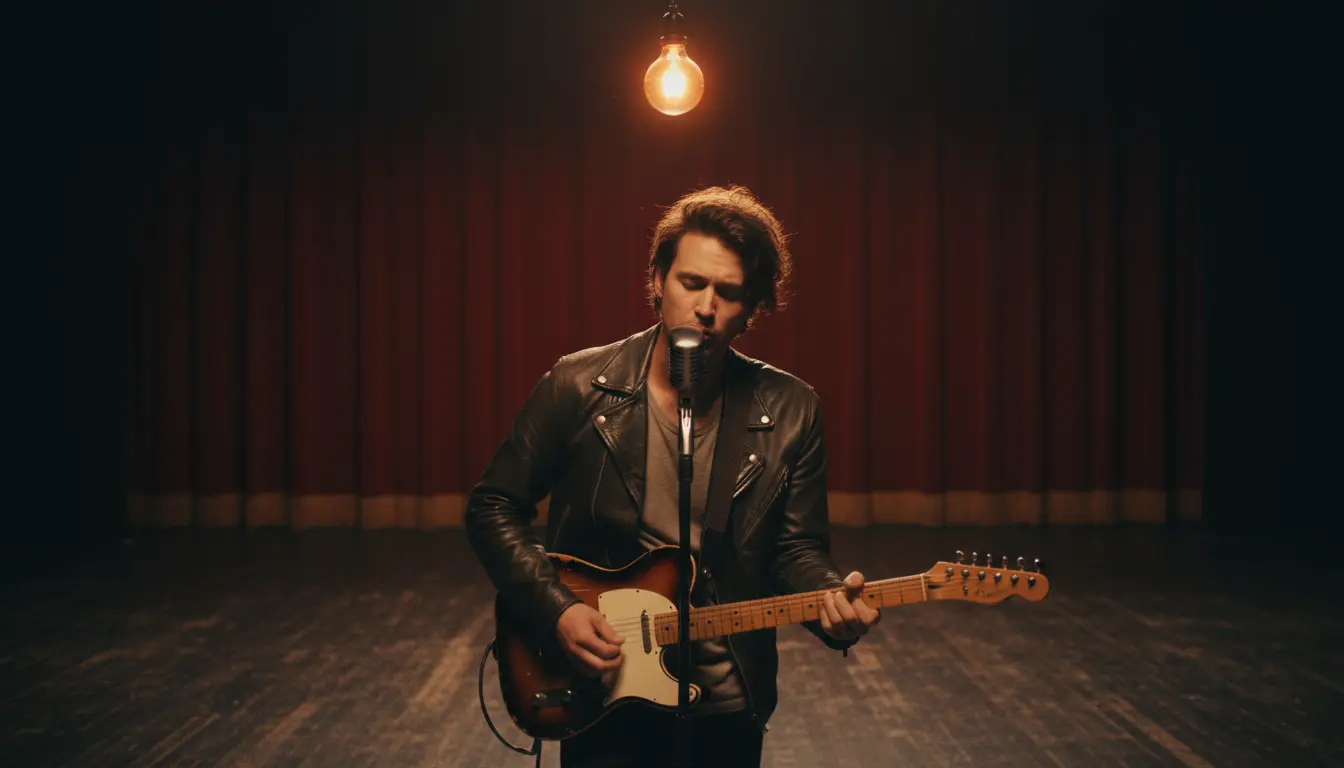
Choose Your Artist
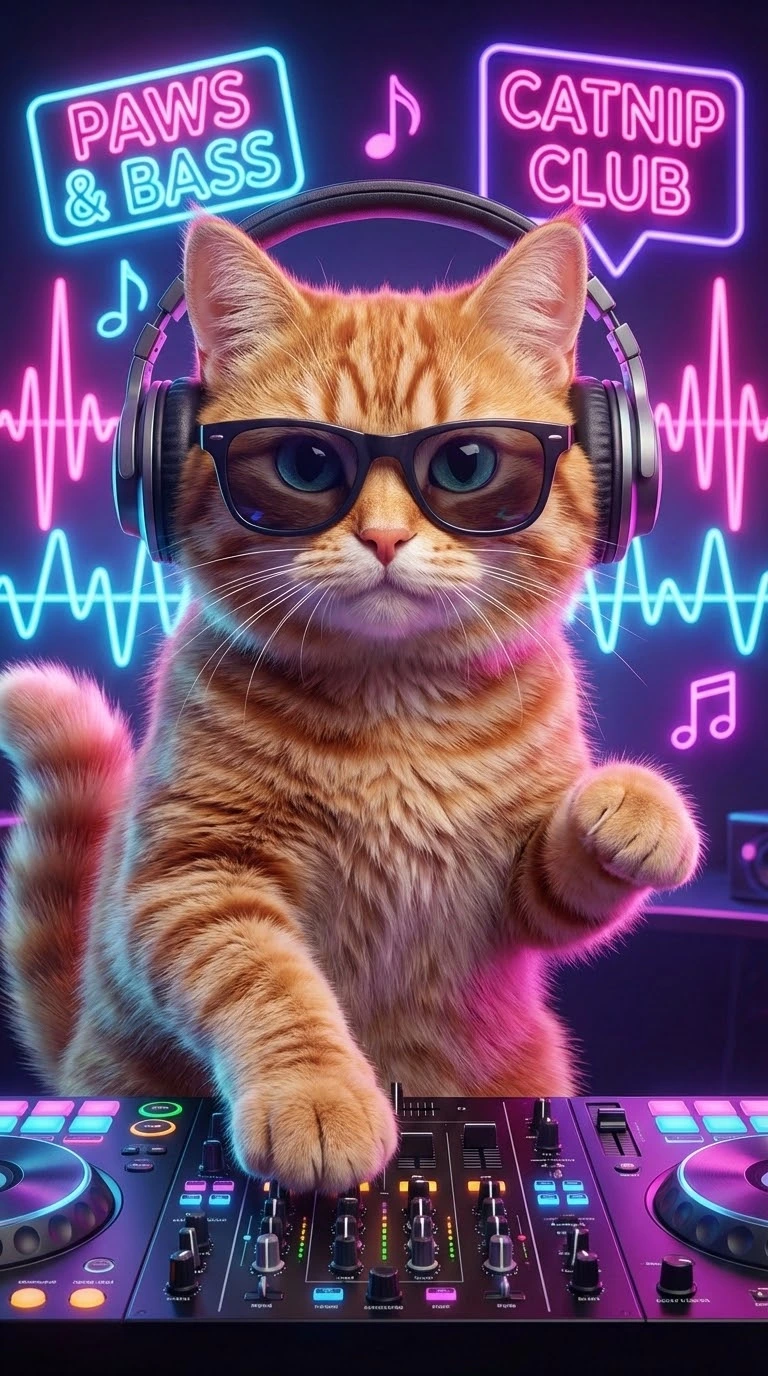
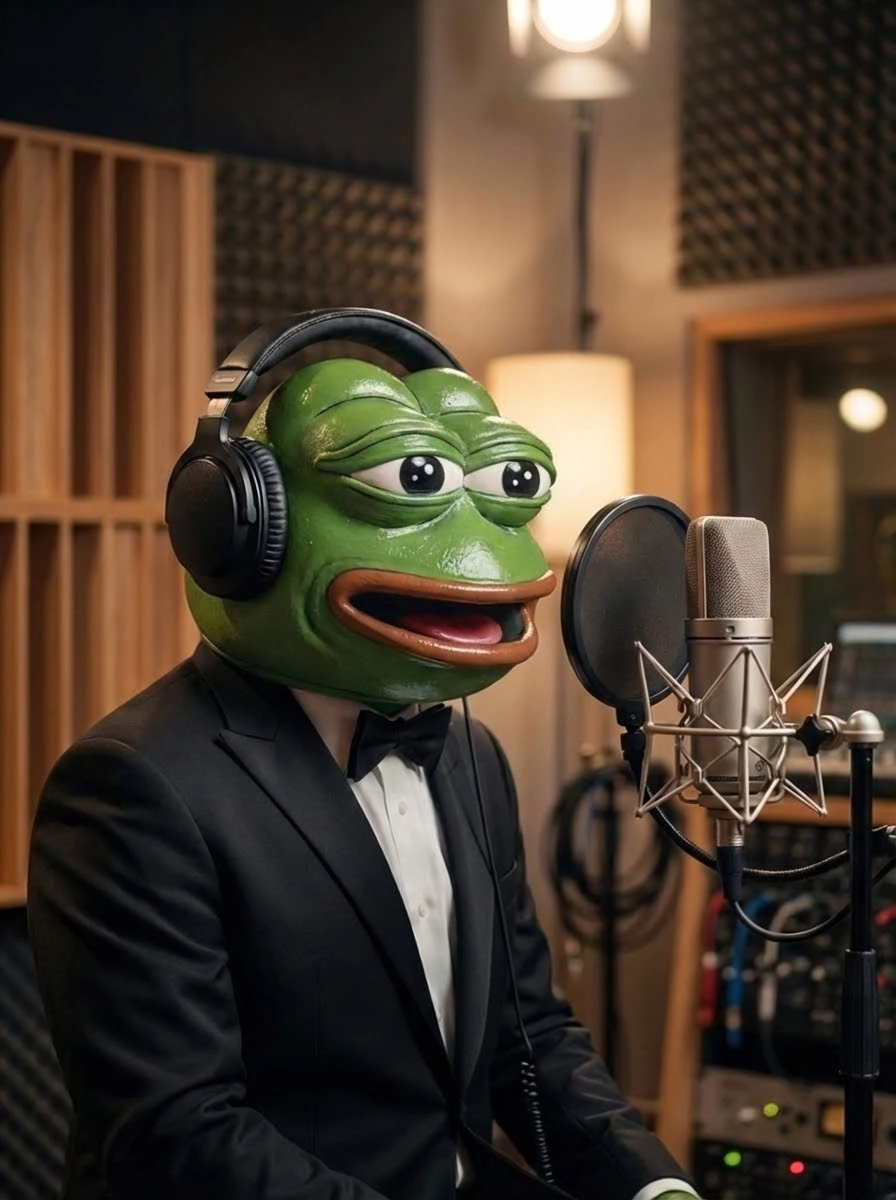
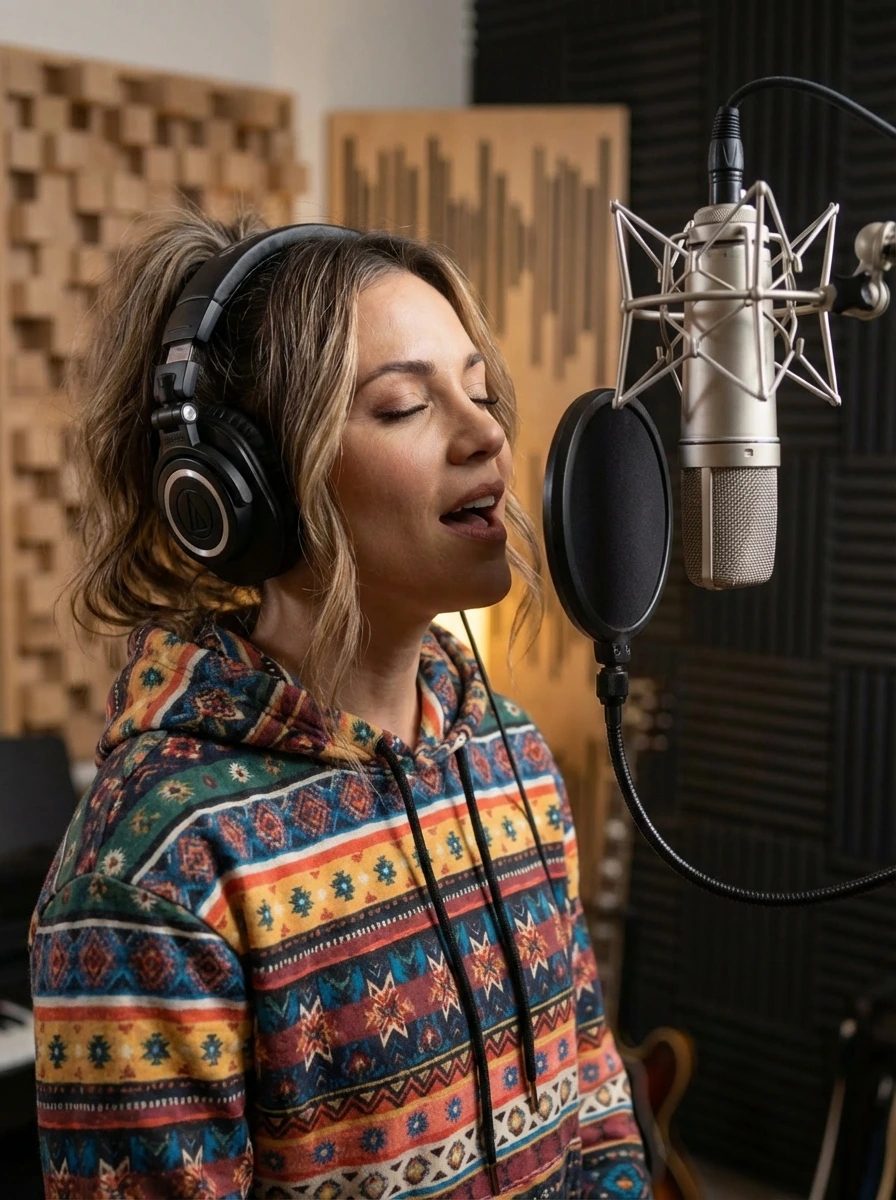
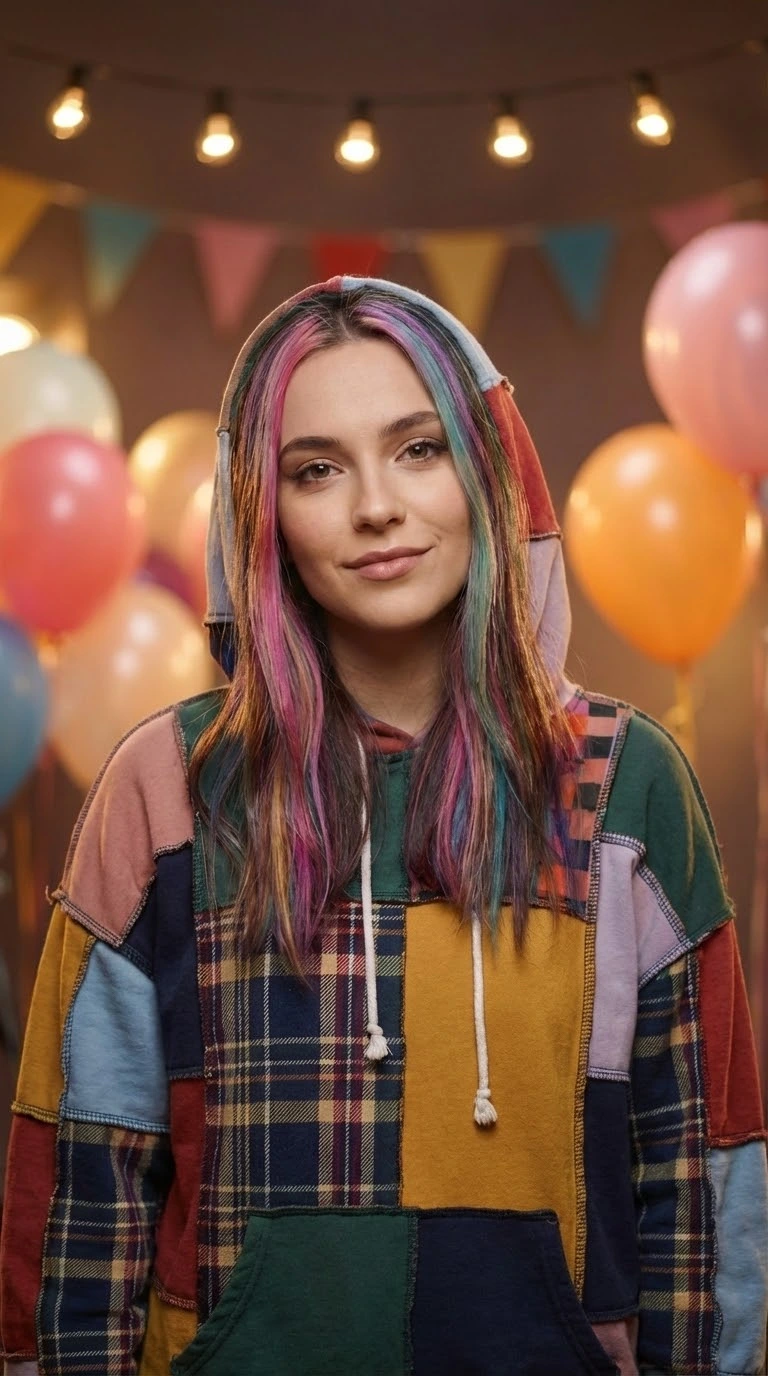
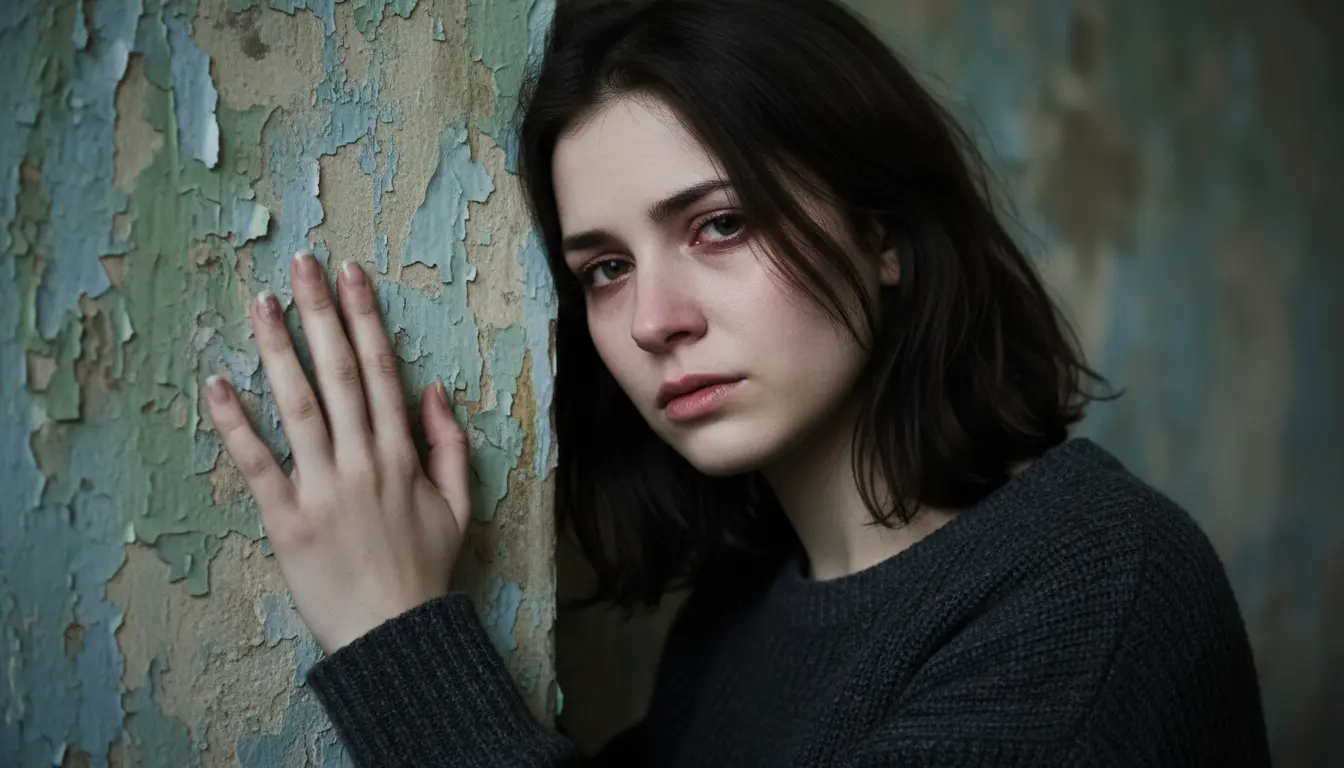
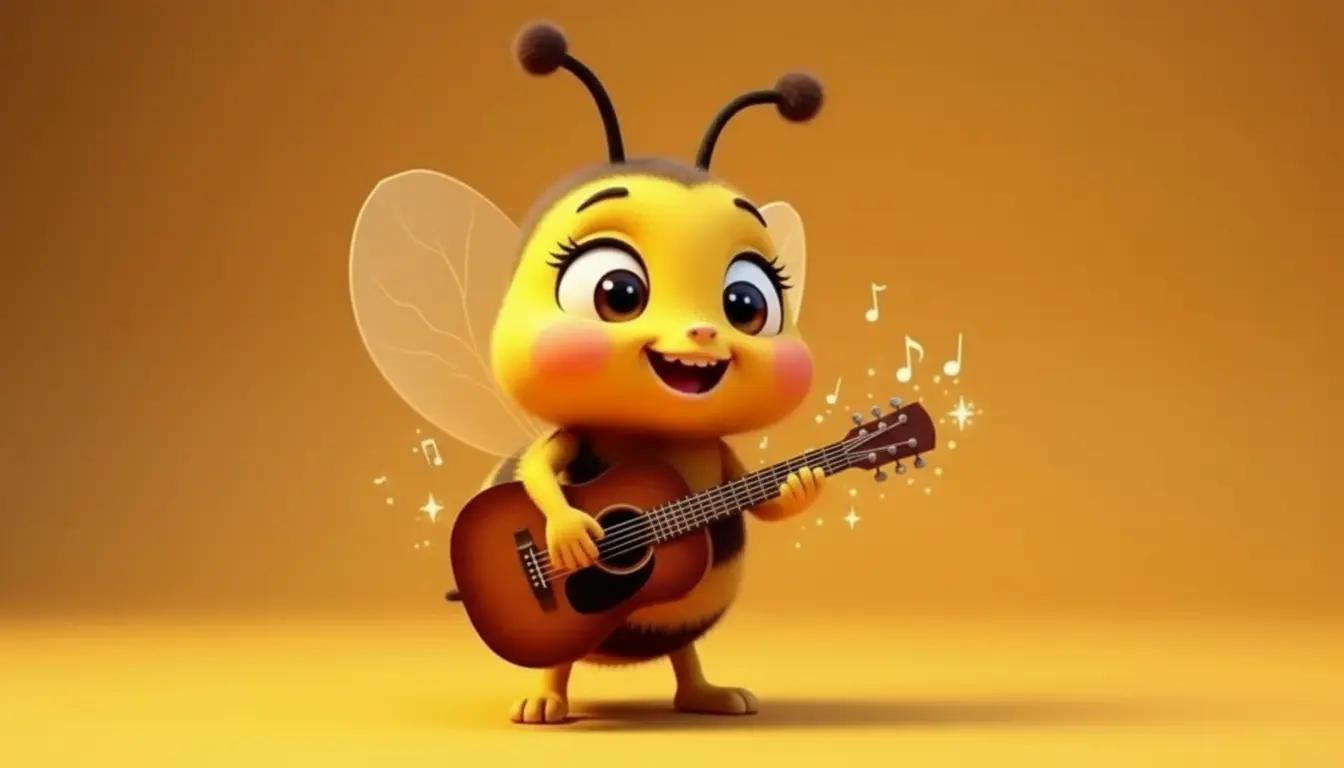
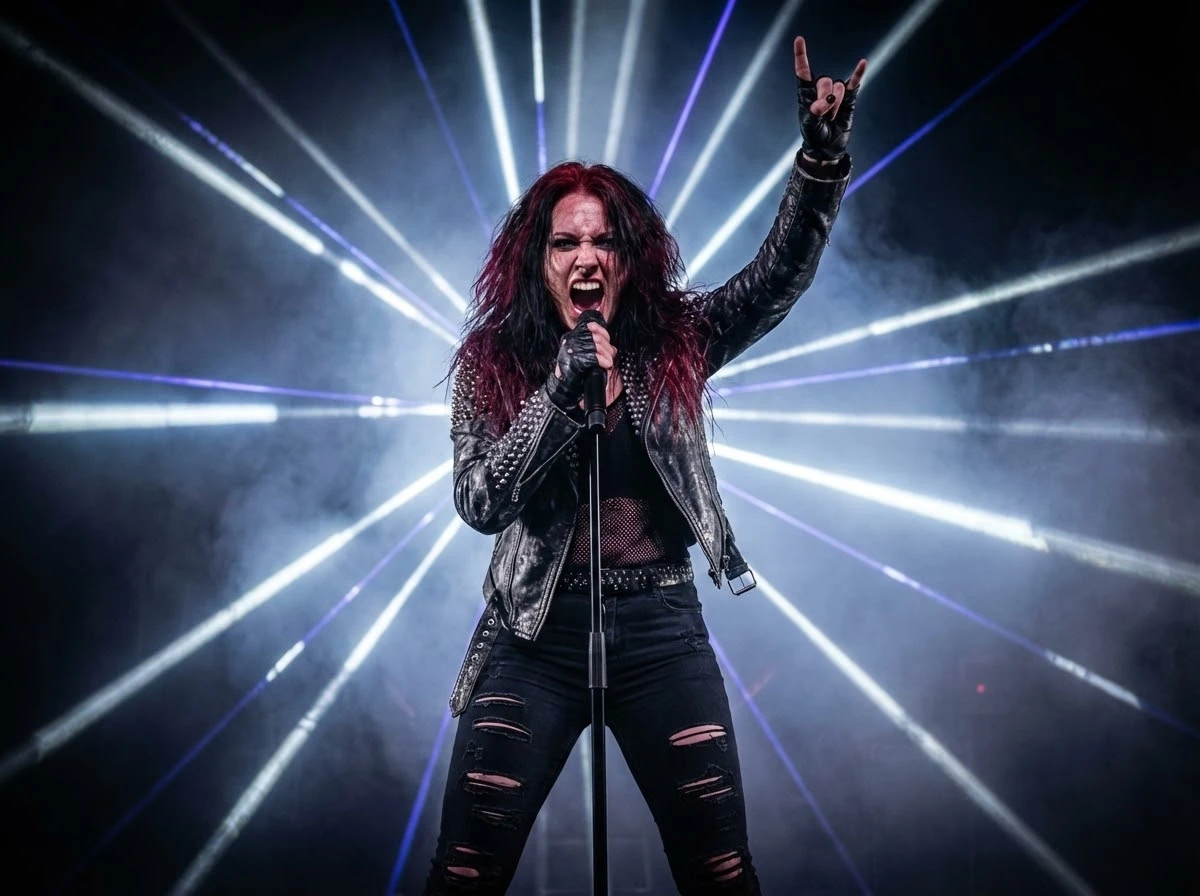
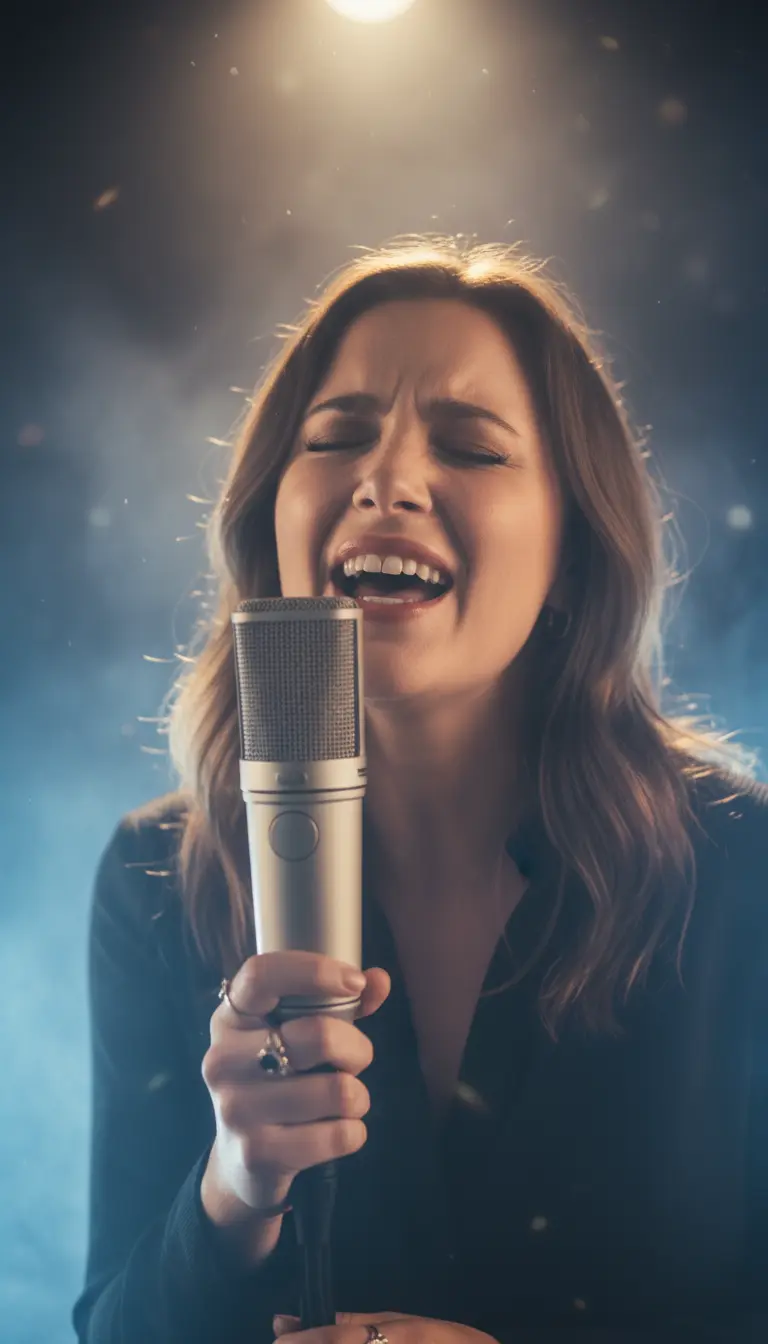
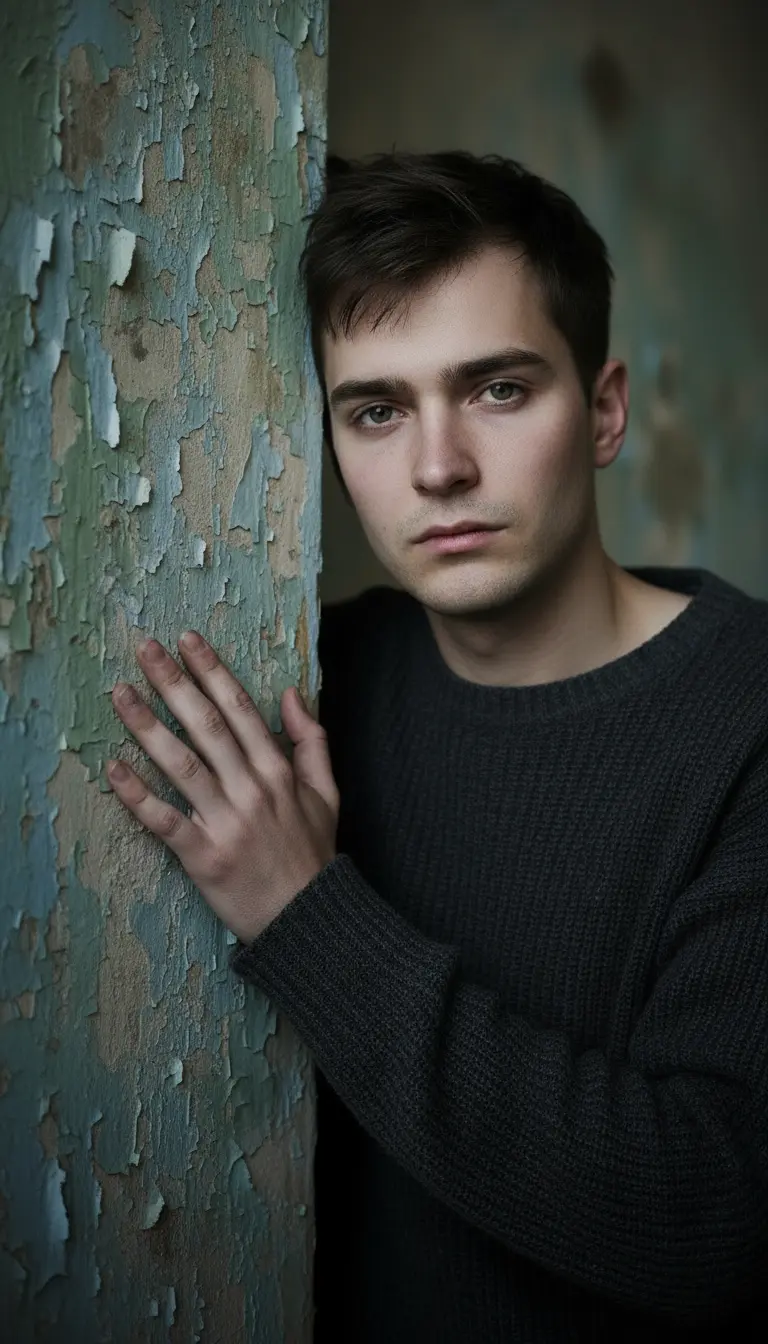
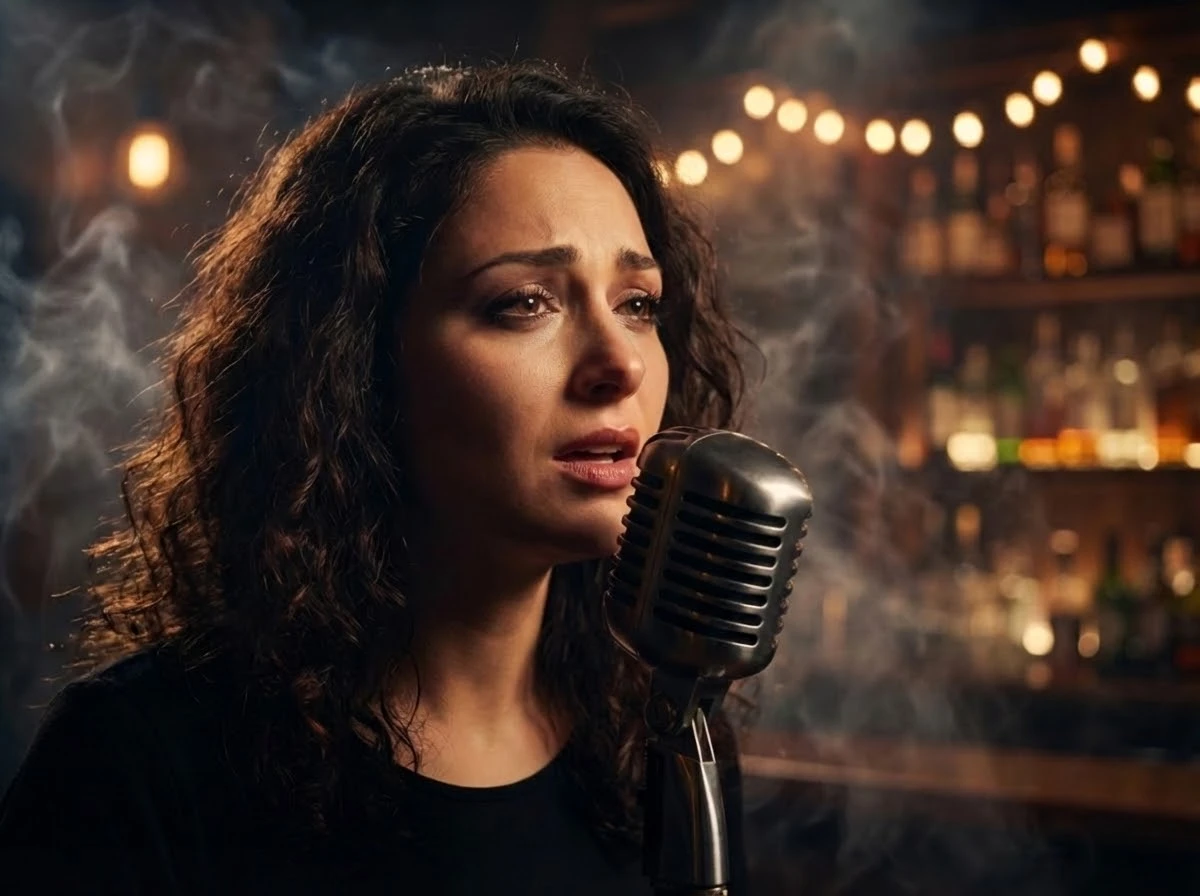
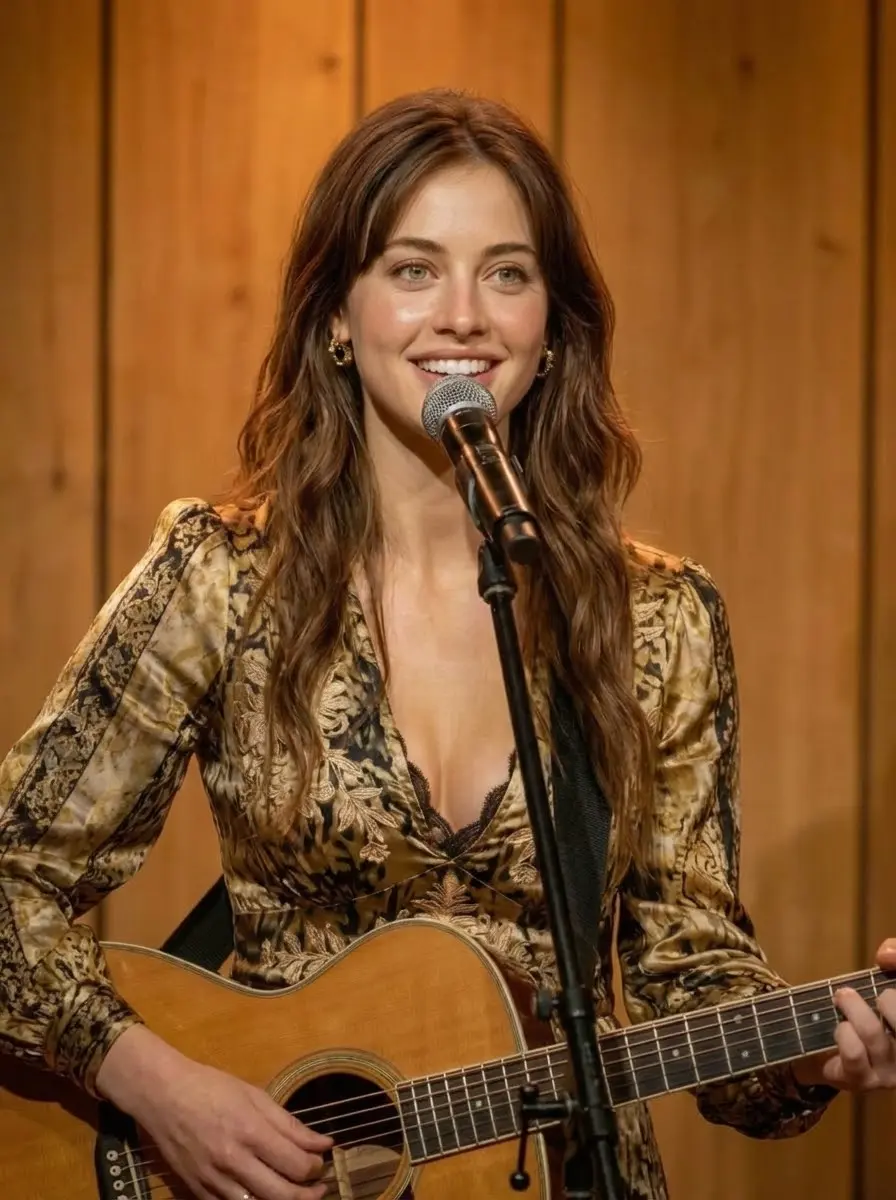
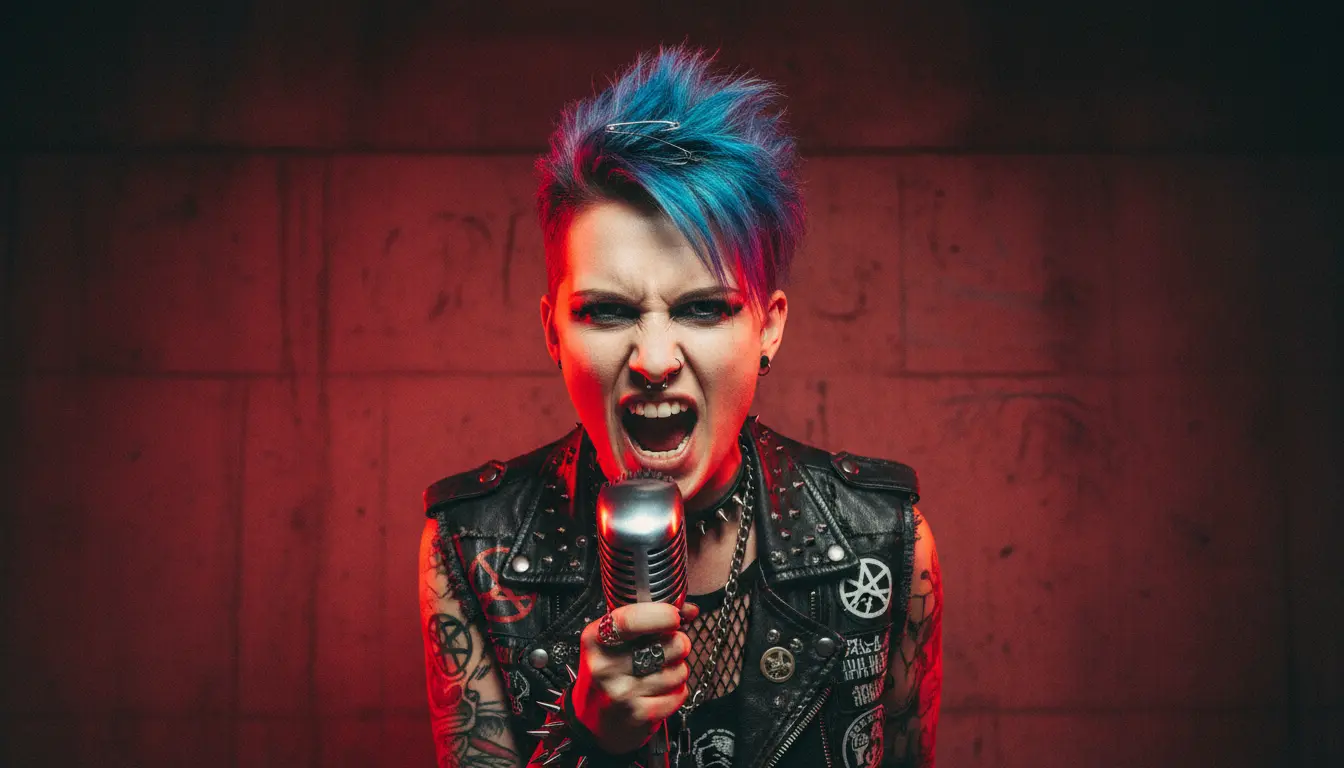
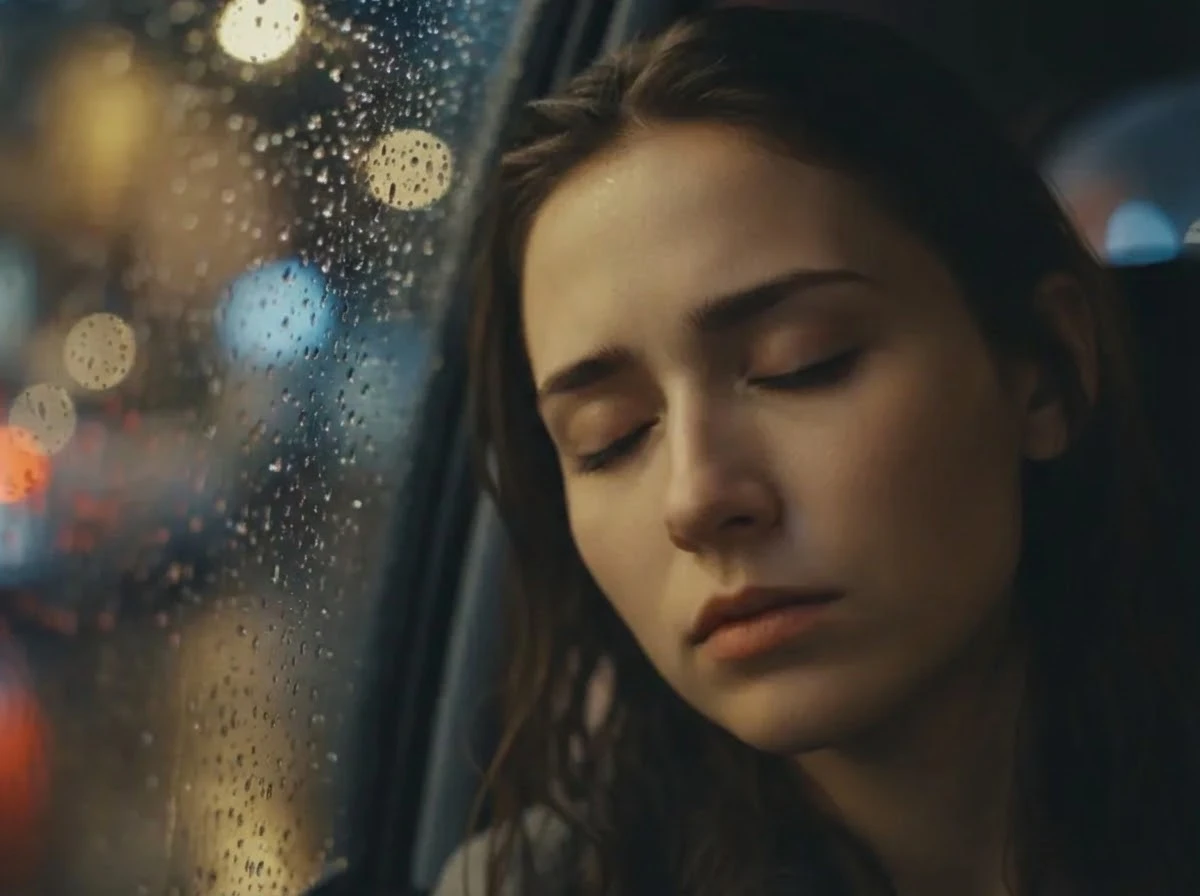
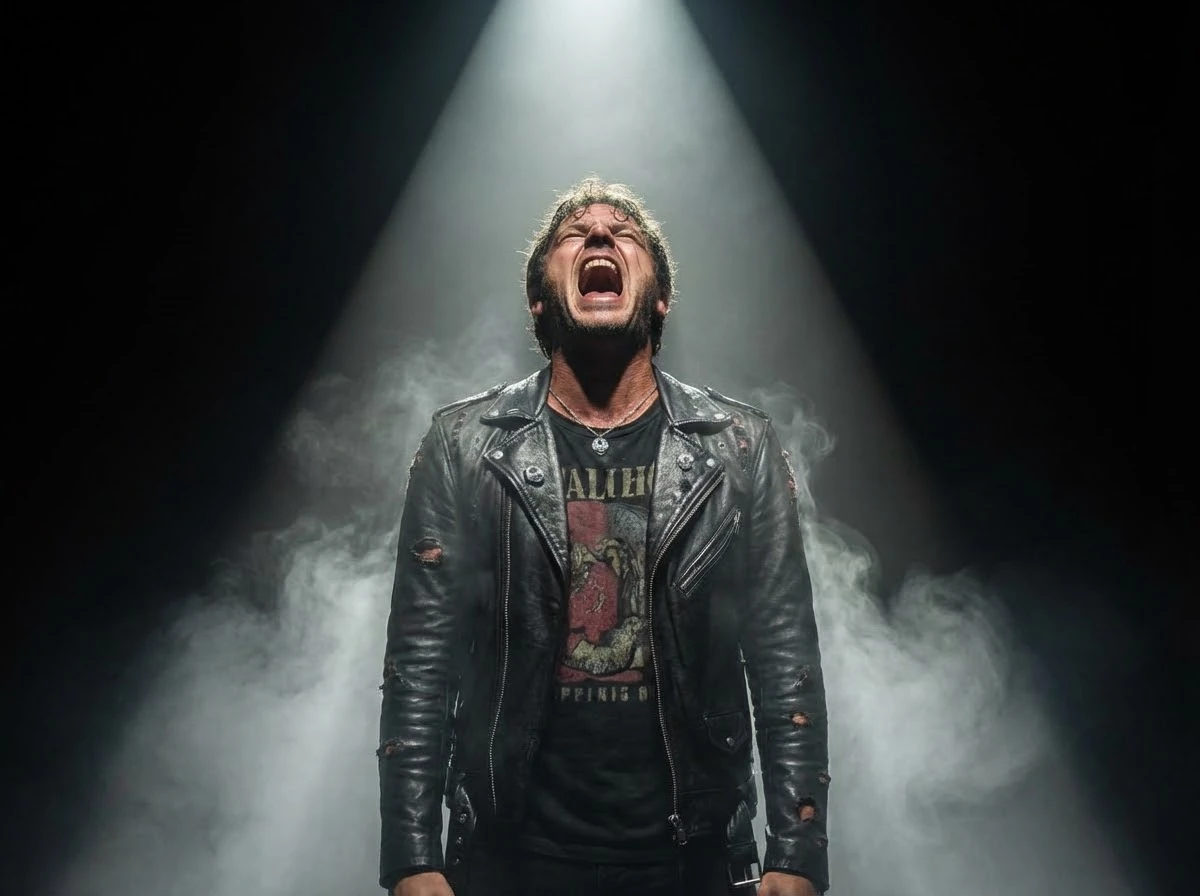
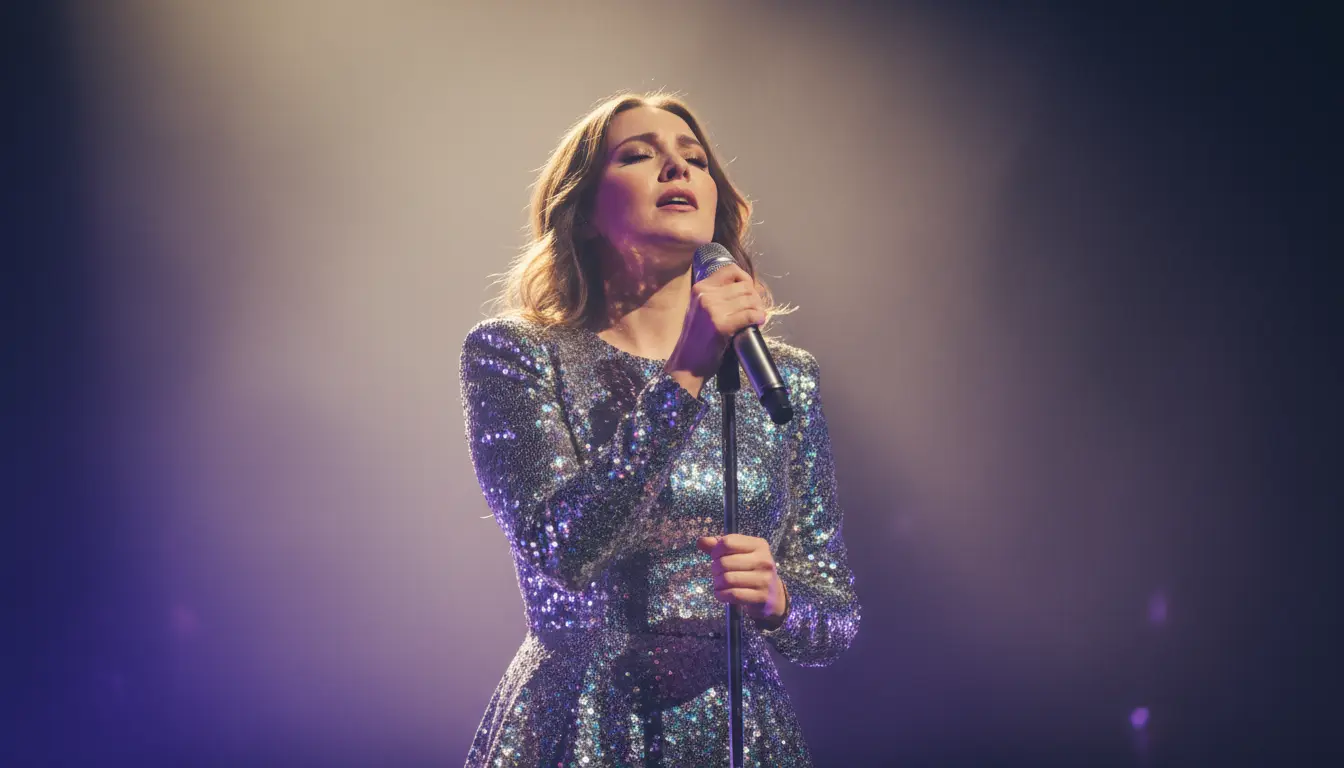
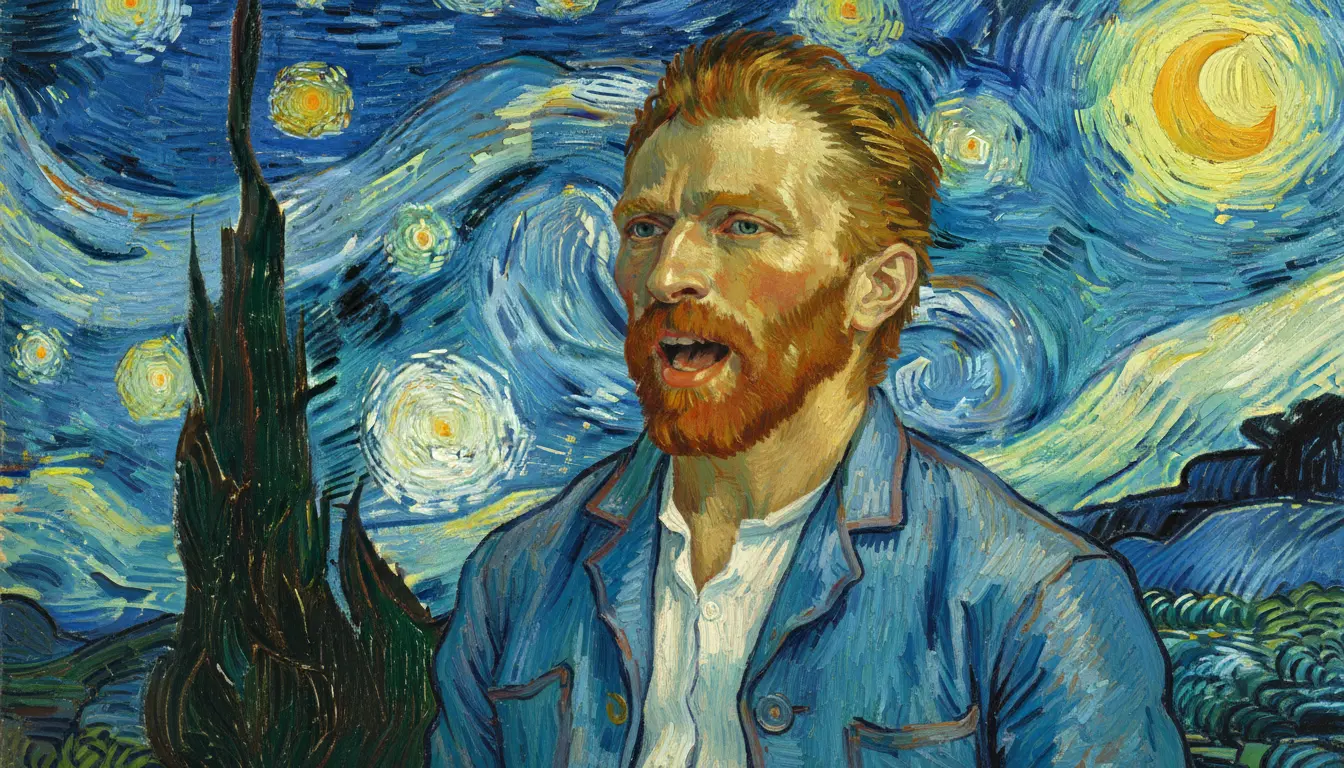
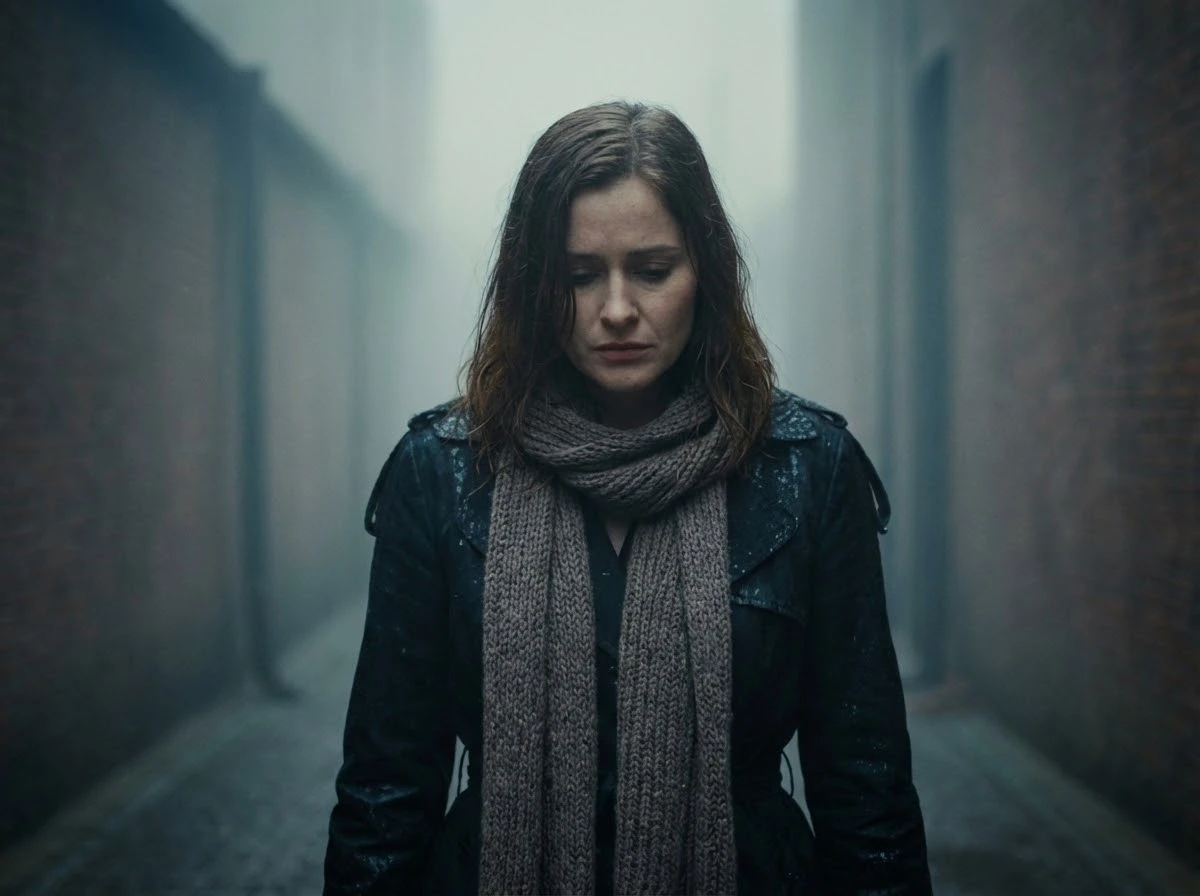
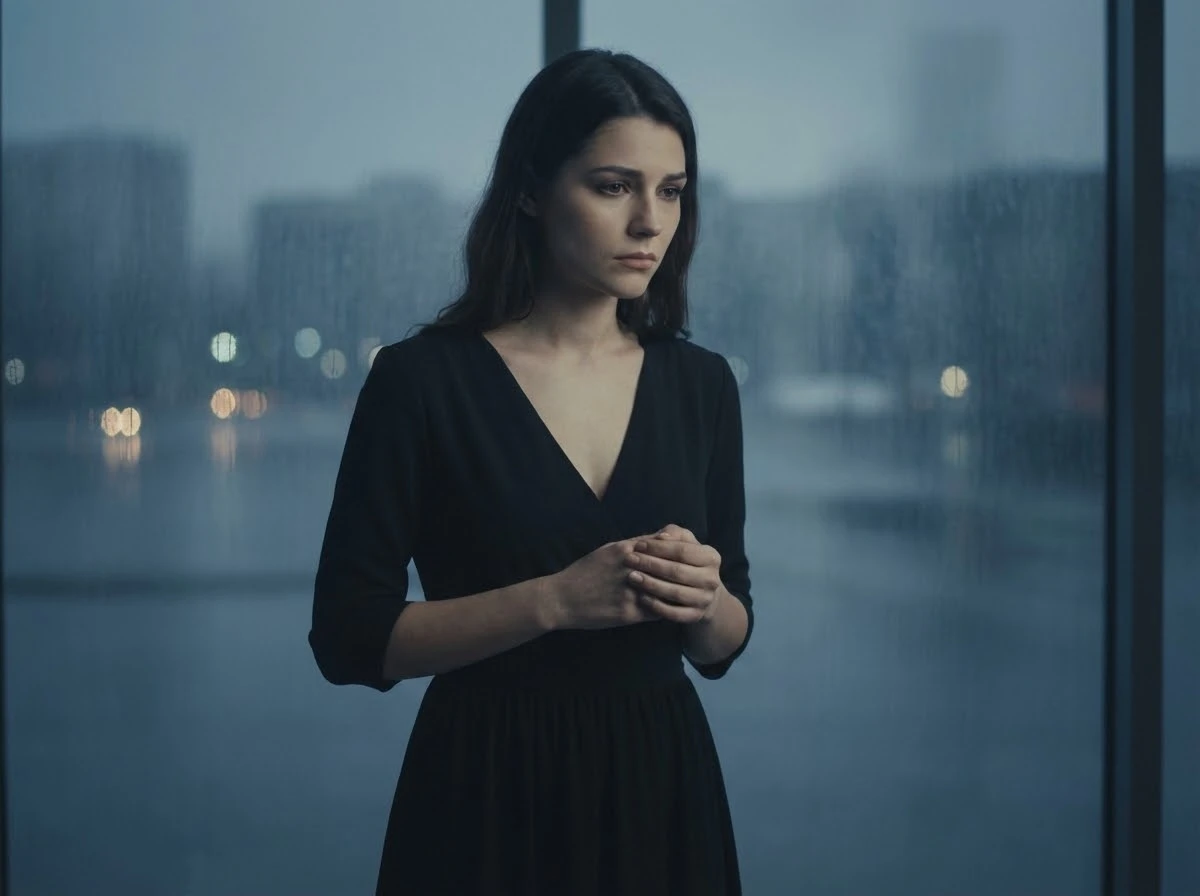
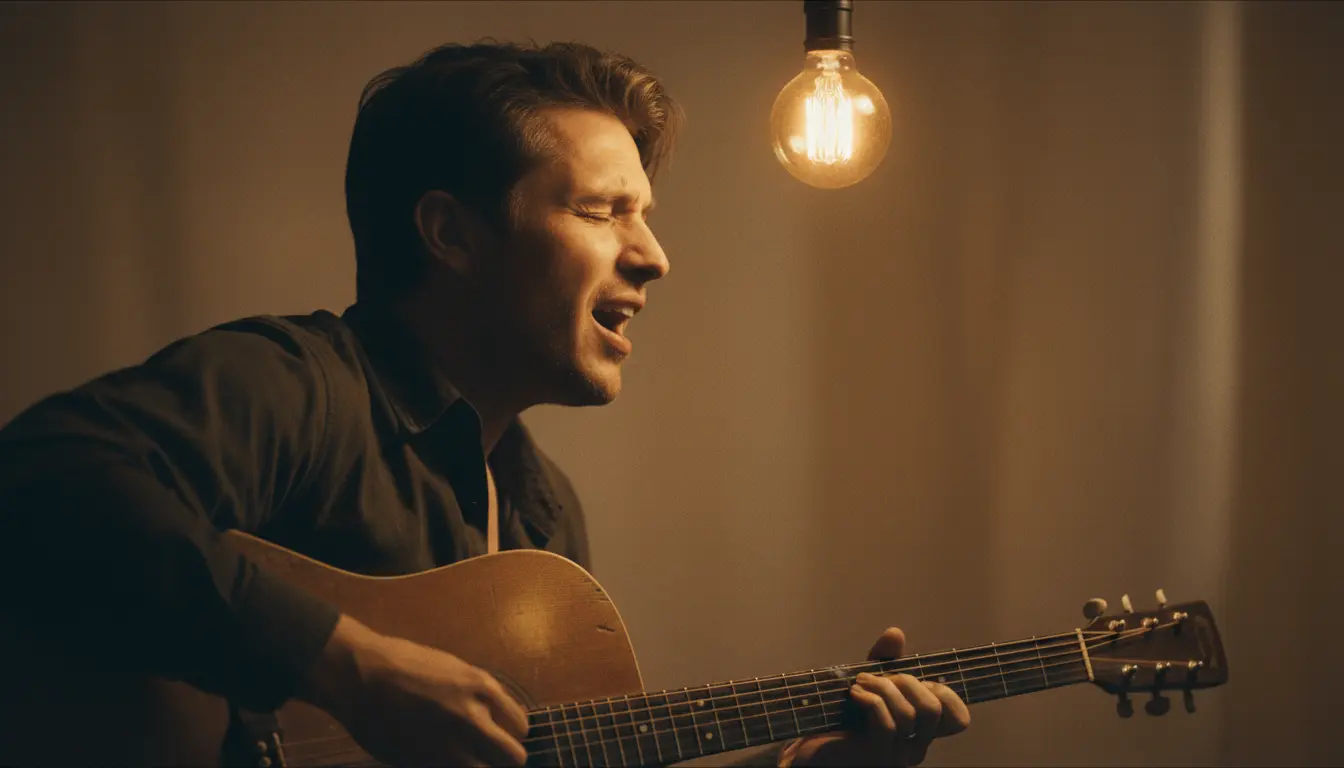
Scroll to browse preset singers or upload your own portrait.



Estimated Cost
Select an audio source to calculate credits.
Input
Selected singer portrait and source song
Output
Latest singer video result
Preview
Choose singer image
Select audio to complete the input.
Output preview appears here
Pick a showcase demo or create a new singer video to preview the result.
Showcase
Pick any reference case to load the matching input image and demo output.
Recent singer videos
Your latest generated works, with generating tasks kept close to the workspace.About 10 minutes per 30 seconds of audio.
Turn a portrait and a song into a polished singer video for social, web, and release campaigns
This page combines singer image selection, song upload or Song Library reuse, ratio switching, credit forecasting, and live task tracking in one workflow. It is designed for creators who need a practical AI music video generator instead of a generic video page with thin controls.
Why creators use this singer video maker
This workflow keeps the key creative controls in one place, so you can move from portrait and song selection to a finished singer video without jumping through extra steps.
Portrait-to-video workflow built for music creators
Start from a singer portrait, cover-art face crop, character image, or one of the built-in preset artists to anchor the final performance visually.
Upload audio or reuse completed songs from your library
This AI music video generator supports fresh audio uploads and completed songs already stored in your AI Music library, which makes repeat production faster.
Aspect ratios for YouTube, Shorts, Reels, and landing pages
Generate singer videos in landscape, portrait, square, classic, and ultra-wide layouts so the same song can be published across multiple channels.
Credit usage scales with the real audio length
Video credits are calculated in 5-second steps, which keeps pricing predictable for short promos, full tracks, and repeated creative tests.
Preset artists plus custom uploads in one workspace
Swap between preset performers and your own uploaded portrait without leaving the page, which is useful for demos, client drafts, and fast visual variations.
Recent generation tasks stay close to the editor
Queued, processing, completed, and failed singer videos remain visible inside the same page so creators can monitor output while building the next render.
Best use cases for this AI music video generator
This workflow is strongest when you already have a finished song and need a matching singer-led visual quickly. It works for both original uploads and tracks already sitting inside your AI Music account.
Create AI music videos for social-first releases
Generate portrait, square, and vertical singer videos for TikTok, Instagram Reels, YouTube Shorts, teaser drops, and music launch campaigns.
Turn finished AI songs into fast visual assets
If you already generated tracks inside AI Music, open the Song Library and convert completed songs into singer-led videos without re-uploading media.
Prototype artist concepts before full production
Test different singer looks, moods, and framing styles from a single portrait before investing in a larger music video workflow or ad campaign.
Build lightweight performance videos from existing audio
Use the tool for demos, lyric releases, placeholder visuals, landing-page embeds, and quick music promotion assets when speed matters most.
What you control before render
The page keeps the critical inputs visible so you can compare creative options without opening another tool or dialog chain.
Useful for original songs, AI songs, and demo uploads
The page is designed for creators who work across uploaded audio files and internally generated songs, which reduces friction between music ideation and visual publishing.
Built around repeatable portrait-based singer videos
Instead of a generic slideshow generator, the workflow stays focused on singer-image inputs, song-driven output, and creator-friendly frame selection.
Good fit for fast campaigns and iterative testing
Because artist selection, audio source switching, cost preview, and render status all live in one screen, the page supports quick experiments without a multi-step wizard.
Supported output formats
How the singer video flow works
The product flow stays simple on purpose: choose the portrait, choose the song, choose the frame, start the task, then monitor status until the output is ready.
Choose a singer image
Upload a portrait or select a preset artist to define the visual identity for the final singer video.
Add a song source
Upload MP3, WAV, M4A, AAC, or OGG audio, or pick a completed track from your Song Library if the music already exists in your workspace.
Pick the output ratio
Select the frame that matches your destination channel, from classic landscape and ultra-wide to square and vertical social formats.
Generate and monitor the task
Start the render, keep an eye on recent tasks, and open the finished detail page when the video is ready to review or share.
Singer video FAQ
These are the common questions creators ask when comparing an AI singer video workflow against a generic music video maker or slideshow-style tool.
What files does the AI music video generator accept?
You can upload JPG, PNG, or WebP singer images and common audio formats such as MP3, WAV, M4A, AAC, and OGG.
Can I create a singer video from songs already generated in AI Music?
Yes. Open the Song Library, search your completed songs, and select one source track for singer video generation without re-uploading the audio.
How are video credits calculated?
Singer video generation uses 1 credits for every 5 seconds of audio, rounded up to the next 5-second step. The final generated clip supports 5 to 120 seconds, and longer songs can be trimmed before upload.
Does the page support vertical and square music video formats?
Yes. The generator supports vertical, square, landscape, classic, and ultra-wide aspect ratios so you can target Shorts, Reels, feeds, embeds, and standard video pages.
Can I switch between uploaded audio and Song Library tracks?
Yes. Uploading a new audio file replaces the current selection, and picking a library song also replaces the current source track on the page.
Can I replace the singer image after I make a selection?
Yes. You can click another preset artist or upload a new portrait at any time, and the latest selection becomes the active singer image for the next render.
Who is this AI music video generator best for?
It works well for independent musicians, AI music creators, marketers, meme-song builders, and teams that need quick portrait-based music video assets for distribution.